Tag: HMRC

Autumn Budget and National Insurance Changes

Employer National Insurance changes from April 2025

The Autumn Budget announced there is to be an increase in the rate of National Insurance Contributions (NIC) paid by employers in respect of the wages they pay to their employees.  

Currently, employers pay employer NIC at the rate of 13.8% on wages over £9,100.  From April 2025, the rate employers must pay NIC would increase by 1.2% from 13.8% to 15%. 

In addition, the threshold where employer contributions become payable will6 fall from £9,100 to £5,000. The threshold will then remain at £5,000 until 5th April 2028. The plan is to increase the threshold annually for inflation. 

To support businesses, the Government intends to make changes to the Employment Allowance. The Employment Allowance is available to eligible businesses to reduce their employer NIC each tax year. The allowance currently allows eligible businesses with employer NIC bills of £100,000 or less in the previous tax year to deduct £5,000 from their employer NIC bill.  

The Chancellor announced an increase in the Employment Allowance from £5,000 to £10,500, and plans to remove the £100,000 eligibility threshold, expanding this to all eligible employers with employer NICs bills from 6th April 2025. 

Payroll: Annual Reporting and Tasks

As the end of the tax year approaches – 5th April 2024 – you will need to make sure that you complete all the tasks required.

As an employer running payroll, you need to:

  • report to HM Revenue and Customs (HMRC) on the previous tax year (which ends on 5 April) and give your employees a P60
  • prepare for the new tax year, which starts on 6 April

Send your final payroll report

Send your final Full Payment Submission (FPS) on or before your employees’ last payday of the tax year (which ends on 5 April).

Put ‘Yes’ in the ‘Final submission for year’ field (if available) in your payroll software.

If you run more than one payroll under the same PAYE scheme reference (for example for employees you pay weekly and monthly), include the end-of-year information in your last report.

When to send an Employer Payment Summary (EPS)

You should send your final report in an EPS instead of an FPS if any of the following apply:

  • you forgot to put ‘Yes’ in the ‘Final submission for year’ field in your last FPS
  • your software does not have a ‘Final Submission for year’ field on the FPS
  • you did not pay anyone in the final pay period of the tax year
  • you sent your final FPS early and you did not pay anyone for one or more full tax months in the last tax year

More information can be found here

Payroll: annual reporting and tasks

Send your final payroll report

Send your final Full Payment Submission (FPS) on or before your employees’ last payday of the tax year (which ends on 5 April).

Put ‘Yes’ in the ‘Final submission for year’ field (if available) in your payroll software.

If you run more than one payroll under the same PAYE scheme reference (for example for employees you pay weekly and monthly), include the end-of-year information in your last report.

You need to send extra forms if you claimed a National Insurance holiday for new employers.

When to send an Employer Payment Summary (EPS)

You should send your final report in an EPS instead of an FPS if any of the following apply:

  • you forgot to put ‘Yes’ in the ‘Final submission for year’ field in your last FPS
  • your software does not have a ‘Final Submission for year’ field on the FPS
  • you did not pay anyone in the final pay period of the tax year
  • you sent your final FPS early and you did not pay anyone for one or more full tax months in the last tax year

If you’re late sending your final report

From 20 April you can send an FPS to correct your 2021 to 2022 tax year payroll data by giving the year-to-date figures.

‘Week 53’ payments

If you pay your employees weekly, fortnightly or every 4 weeks, you might need to make a ‘week 53’ payment in your final FPS of the year.

Your payroll software will work out ‘week 53’ payments for you.

In the ‘Tax week number’ field of your FPS, put:

  • ‘53’ if you pay your employees weekly
  • ‘54’ if you pay them fortnightly
  • ‘56’ if you pay them every 4 weeks

HMRC will send a P800 form to any employees who owe tax following a ‘week 53’ payment.

More information can be found here

Student and postgraduate loan thresholds from April 2023

The student loan plan and postgraduate loan thresholds and rates from 6 April 2023 are as follows:

  • plan 1: £22,015
  • plan 2: £27,295
  • plan 4: £27,660
  • postgraduate loan: £21,000

Deductions for:

  • plans 1, 2 and 4 remain at 9% for any earnings above the respective thresholds
  • postgraduate loans remain at 6% for any earnings above the respective threshold

Student loan plans, loan types and thresholds guidance will be updated on 6 April 2023 with the new thresholds.

Student and postgraduate loan start notices

If you receive a student loan start notice (SL1) or postgraduate loan start notice (PGL1) from HMRC, it is important that you check and use the correct:

  • loan or plan type on the start notice
  • start date shown on the notice

This makes sure your employee does not pay any more or less than they have to.

If an employee’s earnings are above the respective student loan and postgraduate loan thresholds, and you do not take deductions, HMRC will send you a generic notification service prompt as a reminder. If deductions still haven’t started, we may contact you directly.

If an employee’s earnings are below the respective student loan and postgraduate loan thresholds, you should:

  • update the employee’s payroll record to show they have a student loan and or postgraduate loan
  • file the start notice

Deductions should continue until HMRC notifies you to stop.

More information is available on starting student loan and postgraduate loan deductions — checking plan and loan type guidance.

Charity Annual Returns due by 31st January 2023

When to submit your annual return

You must submit your annual return within 10 months of the end of your financial year.

For example, if your financial year end was 31st March 2022, your deadline is 31st January 2023.

If your financial year end was 31st December 2022, your deadline is 31st October 2023.

What charitable companies and unincorporated organisations need to submit

Income under £10,000

You only need to report your income and spending.

Log in to report your income and spending. Select ‘Annual return’ from your available services.

Income between £10,000 and £25,000

You must answer questions about your charity in an annual return.

You do not need to include any other documents.

Income over £25,000

You must answer questions about your charity in an annual return.

You will need to get your accounts checked and provide copies of your:

You also need a full audit if you have:

  • income over £1 million
  • gross assets over £3.26 million and income over £250,000

Prepare your annual report and accounts first. You can then upload them when you complete your annual return.

What type of accounts you need to prepare depends on the type of charity and its finances.

What charitable incorporated organisations (CIOs) need to submit

You must answer questions about your charity in an annual return and include copies of your:

If your income is over £25,000 you also need to:

You also need a full audit if you have:

  • income over £1 million
  • gross assets over £3.26 million and income over £250,000

Prepare and agree your annual report and accounts first. You can then upload them when you complete your annual return.

What type of accounts you need to prepare depends on your charity’s finances.

Reversal of Health and Social Care levy

A49265B2-0D66-4811-A3D8-4571301DC086Reversal of Health and Social Care levy

  • The government is cancelling the Health and Social Care Levy – initially introduced via a 1.25 percentage point rise in National Insurance contributions (NICs) – which took effect in April 2022. 
  • This will be delivered in two parts: 
    • The government will reduce National Insurance rates from 6 November 2022, in effect removing the temporary 1.25 percentage point increase for the remainder of the 2022-23 tax year; 
    • The 1.25% Health and Social Care Levy will not come into force as a separate tax from 6 April 2023 as previously planned. 
  • It means 28 million people across the UK will keep an extra £330 a year, on average, in 2023-24. 
  • The government is making this change as quickly as possible, with it coming into force on 6 November. 

When will people receive the extra cash? 

  • Most employees will receive the cut in their November 2022 pay directly via their payroll. 
  • Basic rate taxpayers will on average see a gain of approximately £75 in 2022-23 rising to £175 in 23-24. For higher rate taxpayers, these figures are on average approximately £300 in 2022-23 rising to £700 in 23-24. For additional rate taxpayers, the gain will be on average approximately £1,650 in 2022-23 rising to £3,890 in 23-24. 
  • Due to the complexities of some payroll software systems, there will be some people who receive the cut backdated in December 2022 or January 2023. 
  • Although individuals should contact their employer for refunds as a first port of call in all circumstances, there may be circumstances where individuals may need to apply to HMRC for a refund (for example, if their employer is no longer trading, or if an individual has moved roles and their previous employer has confirmed they are unable to issue a refund retrospectively themselves). 

VAT Relief For Charities

VAT taxCharities pay VAT on all standard-rated goods and services they buy from VAT-registered businesses.  As a charity you do not pay VAT when you buy some goods and services

What qualifies for the reduced rate

Your charity pays 5% VAT on fuel and power if they’re for:

  • residential accommodation (for example, a children’s home or care home for the elderly)
  • charitable non-business activities (for example, free daycare for disabled people)
  • small-scale use (up to 1,000 kilowatt hours of electricity a month or a delivery of 2,300 litres of gas oil)

If less than 60% of the fuel and power is for something that qualifies, you’ll pay the reduced rate of VAT on the qualifying part and the standard rate (currently 20%) on the rest.

Qualifying fuel and power includes gases, electricity, oils and solid fuels (such as coal). It does not include vehicle fuel.

What qualifies for the zero rate

Find out about the conditions you must meet so that your charity pays no VAT (the zero rate) when you buy:

VAT-free goods from outside the UK

Charities do not pay VAT on goods imported from outside the UK as long as they’re benefiting people in need by providing:

  • basic necessities
  • equipment and office materials to help run your organisation for the benefit of people in need
  • goods to be used or sold at charity events

You can check which goods you can claim VAT relief for as well as how to claim.

Voluntary National Insurance Contributions

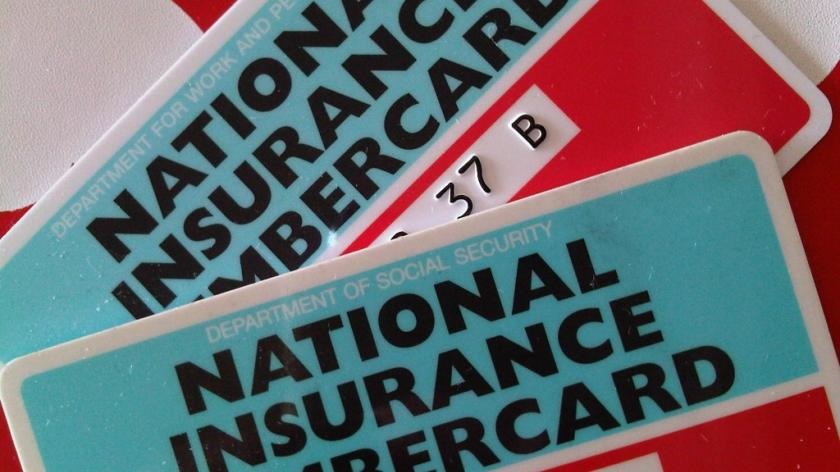
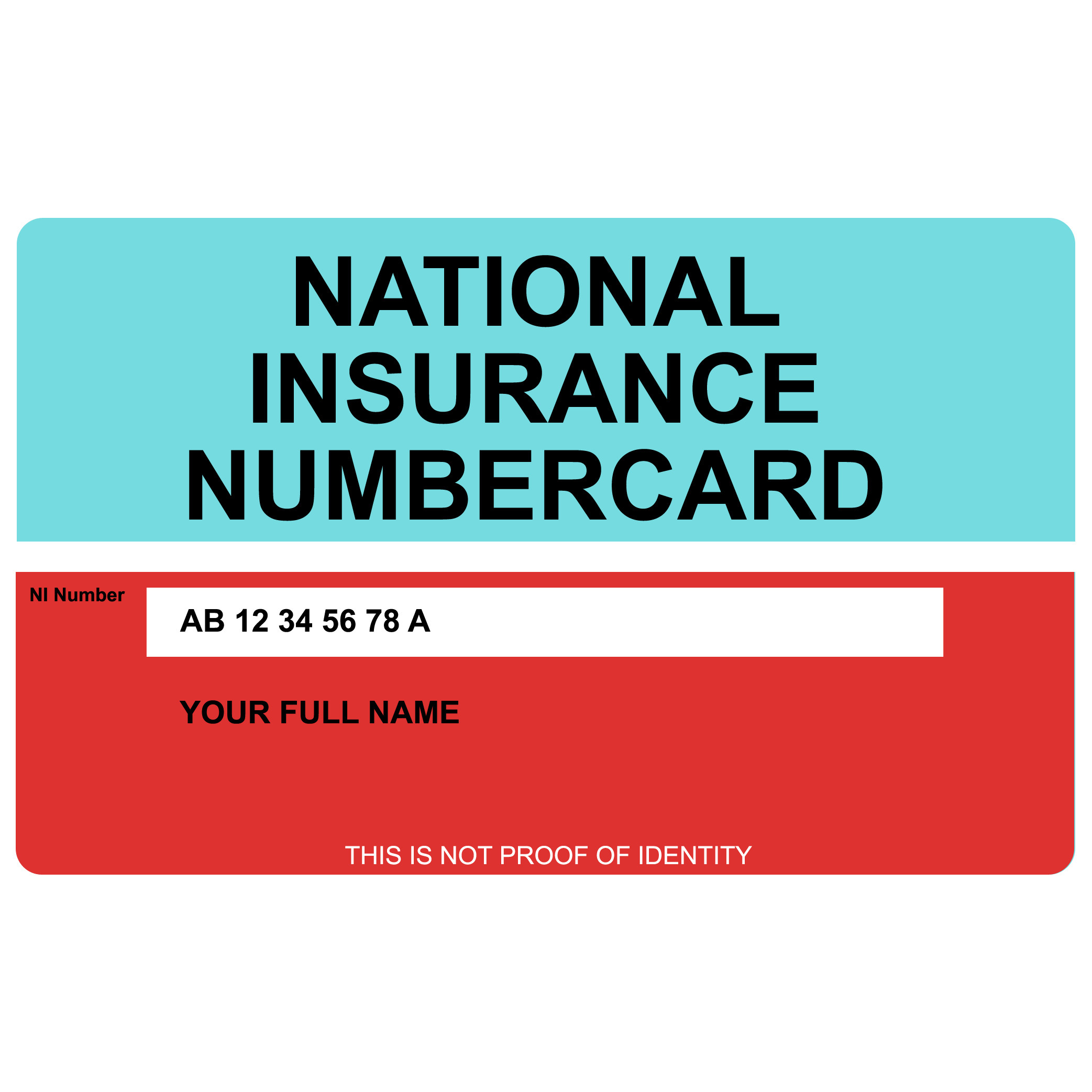
NI Card PictureGaps in your National Insurance record

You may get gaps in your record if you do not pay National Insurance or do not get National Insurance credits. This could be because you were:

  • employed but had low earnings
  • unemployed and were not claiming benefits
  • self-employed but did not pay contributions because of small profits
  • living or working outside the UK

Gaps can mean you will not have enough years of National Insurance contributions to either:

You may be able to pay voluntary contributions to fill any gaps if you’re eligible.  You can check your National Insurance Contributions status here

Decide if you want to pay voluntary contributions

Voluntary contributions do not always increase your State Pension. Contact the Future Pension Centre to find out if you’ll benefit from voluntary contributions.

You may also want to get financial advice before you decide to make voluntary contributions.

Making Tax Digital for VAT

Making-Tax-DigitalAll VAT-registered businesses who have not yet signed up for Making Tax Digital for VAT need to do so.

When to sign up

You must keep digital records from the start of your first Making Tax Digital accounting period.

Your last VAT accounting period before signing up to Making Tax Digital Submit your VAT Return between Do not sign up to Making Tax Digital between Sign up to Making Tax Digital from Your first Making Tax Digital accounting period
1 Jan to 31 Mar 2022 1 Apr to 7 May 2022 28 Apr to 7 May 2022 8 May 2022 1 Apr to 30 Jun 2022
1 Feb to 30 Apr 2022 1 May to 7 Jun 2022 31 May to 7 Jun 2022 8 June 2022 1 May to 31 Jul 2022
1 Mar to 31 May 2022 1 Jun to 7 Jul 2022 29 Jun to 7 Jul 2022 8 Jul 2022 1 Jun to 31 Aug 2022
1 Mar to 31 Mar (monthly submissions) 1 Apr to 7 May 2022 28 Apr to 7 May 8 May 2022 1 Apr to 30 Apr 2022

Before you sign up to Making Tax Digital for VAT you’ll need either:

  • a compatible software package that allows you to keep digital records and submit VAT Returns
  • bridging software to connect non-compatible software (like spreadsheets) to HMRC systems

If you use an agent or accountant, talk to them about what software you need.

Watch a video about getting compatible software.

Gift Aid Declarations

33E713CC-CCCF-4814-B5DB-A033FAEAC0AAA Gift Aid declaration allows charities and community amateur sports clubs (CASCs) to claim tax back on eligible donations.

It’s important that you keep records of declarations and Gift Aid payments.

If you make a Gift Aid claim without collecting a declaration from the donor, HMRC may ask you to repay the equivalent amount in tax.

Declaration formats

A declaration by a donor can be made in writing, verbally or online. Whichever format you use, donors must provide the required information for your Gift Aid claim to be valid.

HMRC template declarations

HMRC provides free template declaration forms for you to use. You don’t have to use a template, but if you do, you can be sure that declarations will meet HMRC’s requirements.

You can include additional information to suit your charity or CASC’s needs, eg reference numbers.

What declarations must include

There is no set design for a declaration form or a verbal declaration, but it must include:

  • the name of your charity or CASC
  • the donor’s full name
  • the donor’s home address
  • whether the declaration covers past, present or future donations or just a single donation
  • a statement that the donor wants Gift Aid to apply (this could be a tick box on a written or online declaration)
  • an explanation that the donor needs to pay the same amount or more of UK Income Tax and/or Capital Gains Tax as all charities and CASCs will claim on the donor’s gifts in a tax year and that the donor is responsible to pay any difference   

For more detailed information click here